
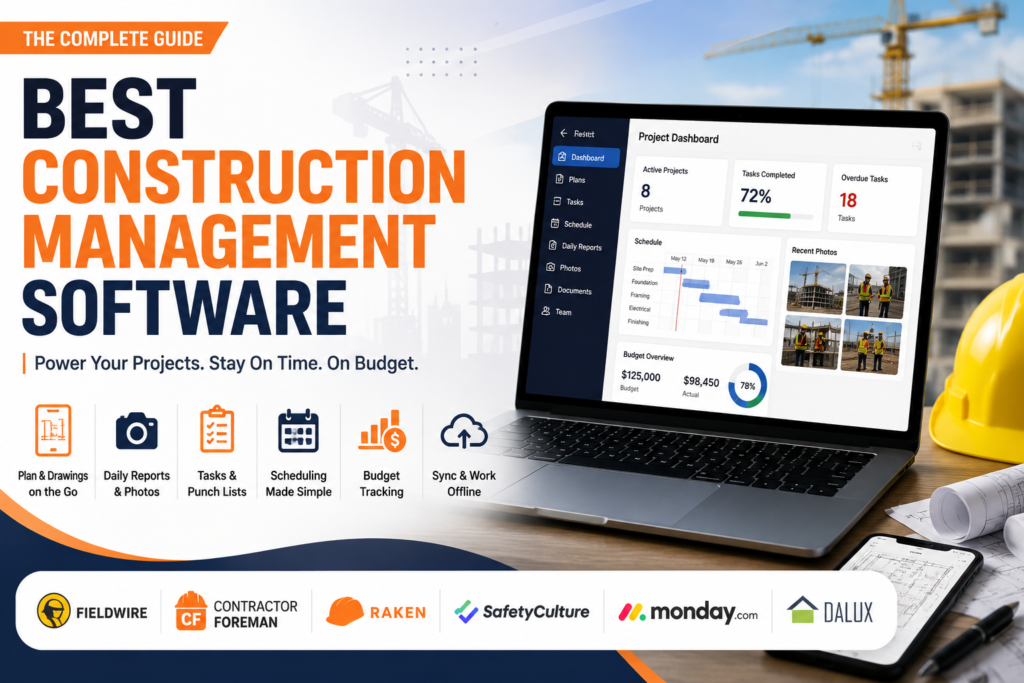
Scoped to actual small crews, not enterprise tools wearing a small business label.
Search for the best construction management software for small business and most of what comes back includes at least a few tools built for hundred person contractors with dedicated IT departments and custom sales quotes. If you are running a five to twenty person crew, that advice does not fit your budget or your day. This guide sticks strictly to tools a small contractor can actually afford and adopt without a procurement process, calls out exactly which platforms hide behind unpublished pricing, and answers a question most roundups skip entirely, whether you even need one all in one platform to begin with. You will also get a straight look at offline reliability on the jobsite and how well each tool actually plays with QuickBooks. Let us start with who this list is actually for.
Table of Contents
What Small Business Construction Software Actually Needs to Cover
Feature lists across vendor sites tend to blur together, so it helps to know which capabilities genuinely matter for a small crew rather than padding a comparison chart.
- Plan and drawing access from a phone or tablet, since most decisions happen standing on site, not at a desk
- Daily reporting and photo documentation, which protects you in disputes and keeps clients informed without extra calls
- Task assignment and punch lists that update in real time as work gets completed
- Scheduling that is simple enough for subcontractors to actually check, not a Gantt chart nobody opens
- Basic budget tracking so you know a project is running over before it is too late to adjust
- An accounting integration or at minimum a clean export, so project data does not have to be retyped into your books
A tool that nails the first four items and does the last two adequately usually beats an expensive suite that does all six poorly.
Who This List Is Actually Built For
This roundup is scoped to businesses running roughly one to twenty five employees, typically general contractors, remodelers, and specialty trades managing a handful of active projects at a time. If your company has a dedicated IT department, a formal procurement process, or manages projects with dozens of subcontractors and multiple stakeholders across different organizations, tools like Procore, Autodesk Construction Cloud, or Aconex are built for that scale and genuinely make sense there. For everyone else, paying for that level of complexity means paying for features that will sit unused.
Best Construction Management Software for Small Business, the Free Options
Cost matters most when you are just getting started, so here is what genuinely offers a free tier for construction management software for small business versus what only offers a trial before the sales conversation starts.
| Tool | Free Tier | Limit | Paid Plans Start At |
| Fieldwire | Yes | Limited projects and plan sheets | $44 per user monthly |
| SafetyCulture | Yes | Teams of up to 10 | $24 monthly |
| monday.com | Yes | 2 seats only | $8 per seat monthly |
| Dalux Field | Yes | Core features only, paid modules for the rest | Varies by module |
| Contractor Foreman | No, trial only | 30 day trial | $49 monthly, billed annually |
| Raken | No, trial only | Trial period | $15 per user monthly |
| Buildertrend | No, demo only | Not applicable | $99 monthly for first two months |
Checking each provider’s current pricing page directly before committing is worth doing regardless, since free tier limits shift as companies update their plans.
The Red Flag Worth Watching For
A pattern shows up across almost every roundup in this space: several well known tools simply do not publish a price anywhere. That is not automatically a bad sign, but for a small business trying to budget accurately, it usually means the tool was not built with your size in mind.
| Tool | What They Say Instead of a Price | Actually Built For |
| Procore | Custom pricing based on company size and project volume | Mid to large teams |
| Autodesk Construction Cloud | Module based pricing, no public number | Design to build coordination at scale |
| Trimble Construction One | Custom pricing, sales conversation required | Large contractors already using Trimble hardware |
| InEight | Contact for pricing details | Large scale infrastructure projects |
| Aconex by Oracle | Custom pricing, no public number | Large, complex, multi party projects |
If a sales page tells you to contact them for pricing rather than showing a number, treat that as a signal to ask directly whether the product even serves businesses your size before booking a demo.
The Tools That Actually Fit a Small Crew
Fieldwire. Built around plan viewing, task tracking, and jobsite messaging, with a genuinely usable free tier for very small teams. Best construction software for contractors who need field coordination without a steep learning curve.
Contractor Foreman. Bundles project management, estimating, invoicing, and basic compliance tracking into one of the more affordable all in one options for a small general contractor.
Raken. Focused specifically on daily field reporting, photo documentation, and time tracking rather than trying to do everything, which suits a crew that mainly needs better visibility into what happened on site each day.
Buildertrend. Leans toward residential builders and remodelers who want a client facing portal alongside scheduling and budgeting, useful if homeowner communication is a bigger part of your workload than managing subcontractor documents.
PlanRadar. Keeps task tracking and on site documentation simple, a reasonable fit if your main pain point is chasing down issues and photos across a job rather than managing complex budgets.
Bluebeam. Not a full project management suite, but worth knowing about specifically for markup and drawing review, which many small contractors handle separately from whatever tool manages their schedule.
Do You Actually Need an All In One Platform
Almost every article in this space assumes the answer is yes, buy one platform that does everything. For a small crew, that is not always true. A general contractor doing residential remodels might genuinely be better served running Bluebeam for drawing markups, Raken for daily reports, and QuickBooks for the books, rather than paying for a bundled suite where two of the three modules go unused.
The tradeoff is real either way. An all in one tool means one login, one training process, and one bill, which matters if your team is small and time strapped. Separate specialized tools usually cost less individually and each one tends to do its specific job better, at the cost of managing more logins and less connected data. If your projects are relatively simple and mostly involve your own crew, best of breed tools are worth considering seriously before defaulting to a suite.
Working Offline on the Jobsite
Jobsite internet is unreliable often enough that offline access is not a nice to have, it is a real requirement for most small contractors. Fieldwire and Dalux both explicitly support offline plan viewing and task updates that sync once you are back in range. Raken’s daily reporting also functions offline for photo and note capture. Lighter web only tools tend to struggle here, since anything that requires a live connection to load a dashboard becomes unusable in a basement or a rural site with no signal.
Before committing to any construction management software for small business, it is worth testing this directly during a trial period rather than trusting a features list, since offline support varies a lot in practice between what a spec sheet promises and what actually works with spotty coverage.
How Well These Tools Work With QuickBooks
Accounting integration matters more than most feature lists suggest, since duplicate data entry between a project tool and your books is one of the most common time sinks for a small contracting business. Contractor Foreman and Buildertrend both offer direct QuickBooks integration as a standard feature, which syncs invoices and payments without manual re entry. Fieldwire and Raken are lighter on this front, generally exporting data rather than syncing live, which still saves time over starting from scratch but requires a bit more manual reconciliation.
If your bookkeeping already runs through QuickBooks, it is worth confirming the specific sync depth during a demo rather than assuming integration means the same thing across every vendor, since some only sync a summary while others mirror line item detail.
What the AI Features Actually Do
Several construction platforms, Fieldwire included, now promote AI features prominently on their marketing pages without explaining much about what they do inside the actual product. In practice, most of these features currently focus on flagging safety issues in photos, summarizing daily reports, or surfacing scheduling conflicts, rather than anything resembling autonomous project management. That is genuinely useful for saving review time, but it is worth treating vendor AI claims as an assistive layer on top of the tool you already need, not a reason on its own to pick one platform over another.
Matching a Tool to Your Actual Situation
- Mainly need field coordination and plan access: Fieldwire covers this without forcing you into modules you will not use
- Want one affordable platform covering estimating, invoicing, and scheduling together: Contractor Foreman fits a general contractor’s full workflow
- Care most about daily documentation and protecting yourself in disputes: Raken’s reporting focus is worth the narrower scope
- Run mostly residential remodels with homeowners who want visibility: Buildertrend’s client portal earns its cost here specifically
- Already happy with separate tools for drawings and accounting: skip an all in one suite and add PlanRadar or Bluebeam only for the gap you actually have
The best construction management software for small business is the one sized to your actual crew and your actual budget, not the one with the longest feature list or the biggest name in the industry. Start by ruling out anything that hides its price behind a sales call, check whether a genuinely free tier covers what you need today, and be honest with yourself about whether one platform or a few specialized tools actually fits how your team works. Get that part right, and the software supports the job instead of becoming another thing you have to manage.