
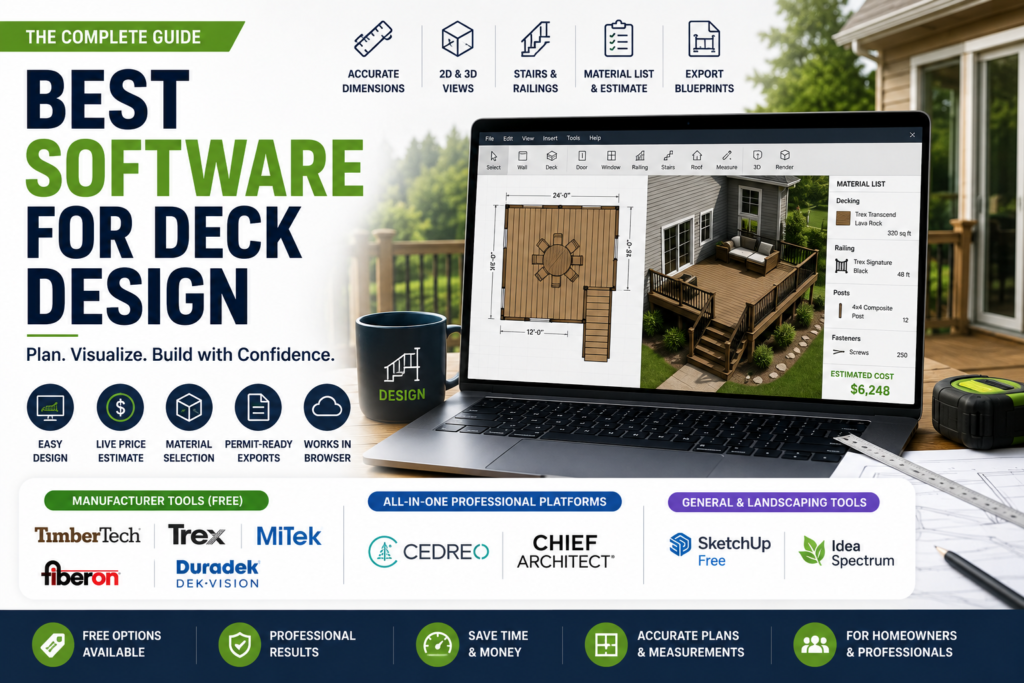
Most deck design software roundups tell you a tool is easy to use or has nice visuals without ever testing whether it actually loads in your browser. That matters more than it should, since several well known free tools still require outdated plugins or a specific browser to even open. The best software for deck design depends heavily on whether you are a homeowner sketching an idea or a contractor building client presentations, something most comparisons never separate clearly. This guide scores real deck planner software against concrete criteria instead of vague impressions, flags which tools actually work without a fight, and tells you plainly when you need a permit-ready blueprint versus just a pretty picture to get excited about. Let us start with the question that should come before any tool comparison.
Table of Contents
What Deck Layout Software Should Actually Cover
Feature lists across vendor pages tend to blur together, so it helps to know which capabilities genuinely matter regardless of whether you end up on a free manufacturer tool or a paid professional platform.
- Accurate dimensioning, so your deck layout reflects real measurements rather than a rough visual guess
- Both 2D plan view and 3D visualization, switching between them easily as you refine a design
- Stairs, railings, and multi level support if your yard has any slope or elevation change at all
- A material or product list generated automatically, saving a manual count when you are ready to order
- Export options that match your actual need, a shareable image for inspiration or a real blueprint for permits
A tool that nails these five basics tends to serve you better than one with flashy rendering but weak execution on actual layout accuracy.
Are You a Homeowner or a Contractor, and Why It Changes Everything
This is the split almost every deck design software comparison skips, and it changes which tool actually fits. A homeowner sketching an idea for their own backyard mainly needs something fast, free, and visual, without caring much about client presentations or construction documentation. A contractor bidding multiple projects a month needs software built for speed at scale, professional looking exports, and the ability to make revisions on the spot when a client changes their mind mid meeting.
- Homeowners and DIYers, occasional use: manufacturer tools like TimberTech, Trex, and Fiberon, or a general free tool like SketchUp Free
- Contractors and designers, frequent use: all in one platforms like Cedreo or Chief Architect, built specifically around client presentations and repeat projects
- Landscape professionals handling full outdoor environments: Idea Spectrum or similar landscaping focused software, where deck design is one part of a bigger project
Once you know which category fits you, the rest of this comparison gets a lot more useful, since the best software for deck design for a weekend project is rarely the right tool for a contractor running several bids a week.
Best Software for Deck Design, Scored Against Real Criteria
Feature lists tend to blur together, so here is how the most commonly recommended deck design software actually compares on the details that matter in practice, not just how nice the marketing screenshots look.
| Tool | Login Required | Brand Locked | Exports Blueprints | Live Price Estimate | Works Reliably in Browser | Cost |
| TimberTech | Yes | Yes | No | No | Yes | Free |
| Trex | Yes to save | Yes | Yes | Yes | Mixed reports | Free |
| MiTek | Yes | No | Yes | No | Yes | Free |
| Decks.com | Yes | No | Yes | No | Yes | Free |
| Fiberon | Yes | Yes | No | No | Yes | Free |
| Duradek Dek Vision | No | Yes | No | No | Yes | Free |
| Lowe’s, USP, BHG | Yes | Yes | Varies | No | Unreliable, plugin issues reported | Free |
| SketchUp Free | Yes | No | Limited | No | Yes | Free, Pro from $119 yearly |
| Cedreo | Yes | No | Yes | No | Yes | Free plan, paid from around $49 monthly |
| Chief Architect | Yes | No | Yes | No | Desktop install required | Around $2,000 or more |
| Idea Spectrum | Yes | No | Limited | No | Desktop install required | From around $70, Pro tier higher |
Checking each tool’s current site directly before relying on it for a real project is worth doing, since manufacturer tools in particular tend to change URLs and requirements without much notice.
Which Tools Actually Work Without a Fight
This is worth taking seriously before you invest time in any deck planner software. Independent testing over the past several years has repeatedly found that Lowe’s deck designer, USP Structural Connectors, and BHG’s tool either require an outdated browser like Internet Explorer or a browser plugin that is difficult to track down, and in several documented cases simply fail to load at all. This is not a one time glitch, it has been reported consistently across separate reviewers testing at different times.
Tools that reliably load in a modern browser without extra plugins include TimberTech, Decks.com, MiTek, Fiberon, and Duradek’s Dek-Vision. If you are short on time, starting with one of these avoids a frustrating first ten minutes before you have even started designing.
Do You Need a Permit Ready Blueprint or Just Inspiration
This distinction matters more than most comparisons acknowledge. Manufacturer tools like TimberTech and Fiberon are built for inspiration and material selection, generating a nice visual and a product list, but not construction ready documentation. Decks.com and MiTek both go further, exporting genuine blueprints with dimensions suitable for a permit submission. Professional platforms like Cedreo and Chief Architect go further still, producing full construction documentation with cross sections and elevation views that a building department will actually accept.
If your project needs a permit, confirm this specifically before you fall in love with a design made in a tool that only ever intended to inspire you, not build from.
The Feature Almost Nobody Talks About, Live Price Estimates
Budget is usually the first question in anyone’s head while sketching a deck, yet almost no deck design software actually shows a running cost estimate while you design. Trex is a rare exception, displaying an approximate price tally in the corner of the screen as you adjust your layout, which is genuinely useful for staying within budget rather than designing your dream deck first and discovering the cost afterward. If staying on budget while you design matters to you specifically, this single feature is worth weighing more heavily than visual polish.
Manufacturer Tools, All In One Platforms, and Landscaping Software
Manufacturer tools. TimberTech, Trex, Fiberon, and MiTek are all free and built around selling their own decking materials. Expect a locked material library, since you can only design with that brand’s products, but a genuinely fast, no cost way to visualize an idea.
General purpose 3D tools. SketchUp Free is not built specifically for decks but handles the job reasonably well if you are comfortable with a slightly steeper learning curve and do not need brand specific realism.
All in one professional platforms. Cedreo and Chief Architect both combine deck layout with full 2D and 3D home design, aimed squarely at contractors who need client-ready presentations. Cedreo runs in the browser with a gentler learning curve, while Chief Architect requires a desktop install and more time to learn but offers deeper construction detail.
Landscaping focused software. Idea Spectrum treats the deck as one piece of a larger outdoor project, useful if you are also planning pools, patios, or planting beds alongside the deck itself.
Real Pricing for the Paid Options
Free manufacturer tools cost nothing but lock you into one brand. Once you move to paid deck design software, actual numbers matter more than a vague dollar sign symbol. SketchUp’s paid tier starts around $119 a year. Cedreo offers a genuine free plan, with paid tiers starting around $49 a month for professionals who need more projects and presentation features. Chief Architect sits at the top end, typically running $2,000 or more for a full license, aimed squarely at professionals rather than occasional users. Idea Spectrum’s entry tier starts around $70, with its Pro tier costing meaningfully more depending on which features you need.
Confirming current pricing directly on each vendor’s site before budgeting for a paid tool is worth doing, since software pricing shifts more often than most comparison articles get updated.
The best software for deck design is not one universal winner, it depends on whether you are sketching an idea for your own backyard or building client presentations for a living. Start with a free manufacturer tool if you just want to see what is possible, move to something like Cedreo or Chief Architect if you need real construction documentation or you are designing decks professionally, and check whether a tool actually loads reliably in your browser before you invest real time into a design. Get that sequence right, and deck design software stops being a frustrating hunt for a working link and starts being the tool that actually gets your project built.